
Restaurant Inventory Automation: How Kitchens Save Hours Every Week
Restaurant operators rarely struggle with cooking or service. The real time drain happens behind the scenes: checking inventory, messaging suppliers, reconciling orders, and adjusting menus based on what’s actually in stock.
This is where restaurant inventory automation changes the daily rhythm of a kitchen. Instead of reactive problem-solving and manual coordination, teams gain structured workflows that dramatically improve kitchen workflow efficiency.
For many restaurants, this shift doesn’t just improve organization—it returns several hours of operational time every week.
Where Restaurant Time Actually Goes
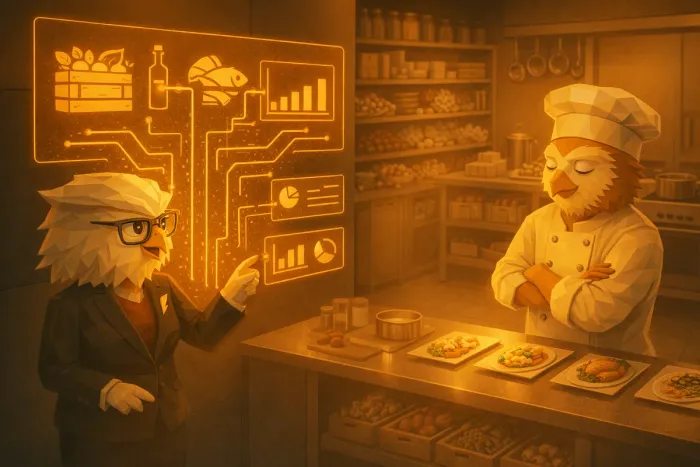
Most kitchens underestimate how much time is spent on small operational tasks. Individually they feel minor. Together they consume entire afternoons.
Typical weekly time drains include:
• Manual inventory counts and spreadsheet updates
• Double-checking stock before placing supplier orders
• Messaging multiple suppliers for availability and delivery times
• Cross-referencing invoices with purchase orders
• Adjusting menu plans based on missing ingredients
These tasks rarely happen in one clean workflow. Instead, they’re scattered across notebooks, messaging apps, supplier emails, and spreadsheets.
The result is constant context switching.
A chef may start planning next week’s menu but stop halfway through to verify ingredient levels. A manager might begin supplier ordering only to realize inventory numbers are outdated. These interruptions reduce kitchen workflow efficiency and make planning feel chaotic.
In many restaurants, operators spend 5–10 hours per week simply managing inventory and supplier communication.
How Restaurant Inventory Automation Reclaims That Time
Restaurant inventory automation works by connecting three operational layers that are usually separate:
• Stock tracking
• Supplier ordering
• Menu planning
When these systems communicate with each other, a large amount of manual checking disappears.
Instead of starting every task from scratch, the kitchen operates from a continuously updated operational picture.
Key improvements typically include:
Real-Time Stock Visibility
Instead of manually verifying ingredients before every decision, stock levels update continuously.
This allows chefs and managers to:
• See current inventory instantly
• Identify shortages early
• avoid emergency supplier messages
This alone helps save time in restaurant inventory management, because staff no longer repeat the same checks throughout the day.
Faster Supplier Ordering
Ordering often becomes a fragmented process: checking stock, opening supplier portals, writing emails, confirming prices, and tracking deliveries.
Automation simplifies this workflow.
Inventory-aware systems can suggest what needs reordering and generate supplier orders directly from stock data. Communication with suppliers becomes structured instead of ad hoc.
Restaurants that adopt this approach often reduce ordering time in restaurant operations by 50% or more.
If supplier coordination is a pain point in your kitchen, you may want to read how this works in practice in /blog/a-faster-way-to-handle-restaurant-supplier-ordering-and-track-discounts.
Inventory-Aware Menu Planning
Menu planning often becomes difficult when chefs don’t fully trust the inventory data. This forces manual verification before decisions can be made.
With automated inventory systems, menu planning becomes far more fluid.
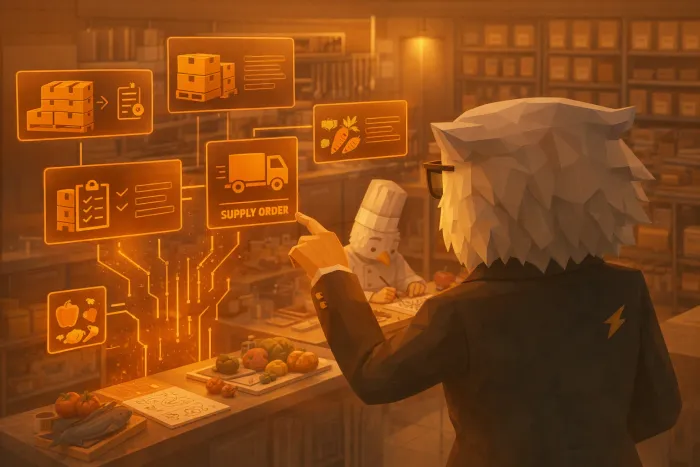
Chefs can see:
• what ingredients are available
• what ingredients are expiring soon
• which items should be prioritized
This removes friction from planning seasonal dishes, specials, and weekly menu adjustments.
You can see a deeper example of this workflow in /blog/ai-menu-planning-for-restaurants-how-chefcook-helps-chefs-create-smarter-menus.
The Real Impact: Fewer Interruptions During Service Preparation
One of the biggest benefits of hospitality process automation is not just saving time—it’s reducing operational interruptions.
Without automation, kitchens constantly switch between:
• cooking
• ordering
• checking stock
• contacting suppliers
These interruptions create unnecessary stress during preparation hours.
With connected workflows:
• inventory is already updated
• supplier orders are structured
• menu decisions are based on reliable data
Instead of firefighting operational issues, chefs and managers spend more time focusing on food quality, service readiness, and team coordination.
This is where kitchen workflow efficiency improves the most.
Why Operators Evaluate Automation at the Conversion Stage
Restaurants typically start exploring automation when three signals appear:
• inventory tracking feels unreliable
• supplier ordering consumes too much time
• menu planning requires constant manual checks
At this stage, operators aren’t just looking for features. They’re comparing systems that genuinely reduce operational workload.
Platforms like KitchenCrew focus on connecting the core kitchen workflows that currently exist in separate tools.
Inventory, supplier ordering, and menu planning work as a single system rather than three disconnected processes. This removes repeated manual steps that slow down kitchen teams every week.
If you’re specifically evaluating supplier coordination improvements, the workflow explained in /blog/how-ivy-simplifies-restaurant-supplier-management-and-ordering-setup shows how structured ordering setups reduce daily messaging and follow-up.
A Practical Next Step for Restaurants Exploring Automation
If your team spends hours every week on stock checks, supplier messages, and spreadsheet updates, the question isn’t whether those tasks are necessary. They are.
The question is whether they need to be manual.
Restaurant inventory automation allows kitchens to keep the same operational control while removing repetitive coordination work.
If you want to see how this works in a real kitchen workflow, KitchenCrew offers onboarding conversations where operators can walk through their current processes and see where automation fits.
A short discovery call is usually enough to identify where the biggest time savings could happen in your inventory, ordering, and menu planning workflows.
Written by
Kitchen Crew
Tips and guides for kitchens that would rather cook than write supplier emails.
Related Articles
You might also find these useful

A Faster Way to Handle Restaurant Supplier Ordering and Track Discounts
Restaurant owners can save hours each week by simplifying supplier ordering and tracking discounts across vendors in one place.

How Ivy Simplifies Restaurant Supplier Management and Ordering Setup
Ivy automates restaurant supplier management: organized items, drafted supplier emails, less after-hours admin for kitchen teams.

AI Menu Planning for Restaurants: How ChefCook Helps Chefs Create Smarter Menus
Discover how ChefCook assists chefs with creative menu planning using past specials, bestsellers, and AI-powered brainstorming.